MSN Mahjong is one of the most played classic puzzle games on MSN Games, especially among casual players and seniors. However, many users report that the game gets stuck on the loading screen, shows a blank page, or never starts even after waiting for several minutes. This MSN Mahjong loading problem can happen suddenly, even if the game worked fine before.
In 2026, browser updates, security changes, and background system settings have made this issue more common than ever. Players often assume the problem is with their internet, but in most cases, the real cause is related to browser cache, blocked scripts, outdated settings, or compatibility issues.
This guide explains the MSN Mahjong loading problem in simple terms, why it happens, and how to fix it step by step. You don’t need technical knowledge to follow these solutions. Each fix is written for beginners and focuses on getting the game working again as quickly as possible.
What Exactly Is the MSN Mahjong Loading Problem
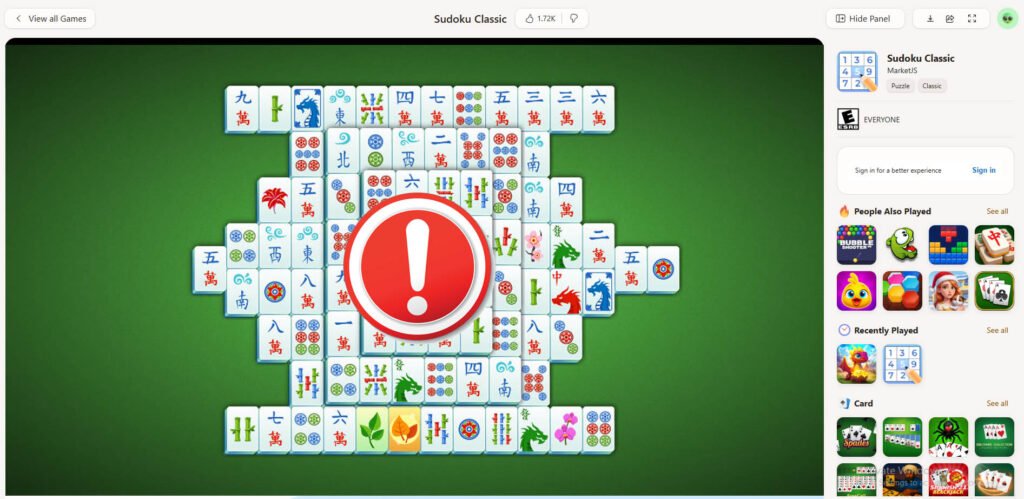
The MSN Mahjong loading problem usually appears in a few common ways. The game may show a spinning loading icon that never finishes, freeze on the “Loading Game” screen, or display a white or grey screen instead of tiles. In some cases, the MSN Games page loads correctly, but Mahjong itself refuses to start.
This issue is not always caused by MSN servers. Most of the time, it happens on the user’s side due to browser restrictions, corrupted temporary files, or blocked game elements. Because MSN Mahjong runs directly in the browser, it depends heavily on scripts, cookies, and permissions working correctly.
🧩 Beginner Explanation: How MSN Mahjong Loads in Your Browser
To understand the problem, it helps to know how MSN Mahjong works. When you click “Play,” your browser downloads small game files, scripts, and visual assets. These elements must load in the correct order.
If even one part is blocked or fails to load, the entire game can freeze. Modern browsers are stricter about privacy and security, which means older web-based games like MSN Mahjong can struggle if settings are not configured properly.
Common Causes of MSN Mahjong Not Loading
One of the most common causes is corrupted browser cache. Over time, stored files can conflict with updated game files, causing loading failures. Another frequent reason is disabled JavaScript, which the game needs to function.
Ad blockers and privacy extensions can also interfere by blocking scripts that MSN Mahjong relies on. In addition, outdated browsers may no longer fully support older game frameworks. Network restrictions, such as office or public Wi-Fi filters, can also prevent the game from loading properly.
🔧 Step-by-Step Fixes for MSN Mahjong Loading Problem
Start by refreshing the page and waiting at least 30 seconds to rule out a temporary glitch. If the problem persists, close the browser completely and reopen it before trying again.
Next, clear your browser cache and cookies. This removes corrupted files that may be preventing the game from loading. After clearing, restart the browser and open MSN Mahjong again.
Make sure JavaScript is enabled in your browser settings. Without it, the game cannot load. If you use an ad blocker or privacy extension, temporarily disable it and reload the game page. Many players find this single step solves the issue instantly.
Updating your browser to the latest version is another important fix. Older versions may not support the scripts MSN Mahjong uses in 2026. If you are already updated, try opening the game in a different browser to test compatibility.
Finally, check your internet connection. Even a stable connection with strict firewalls or DNS filters can block game assets. Switching to a different network, such as a mobile hotspot, can help confirm if this is the cause.
🛠️ Advanced Fixes (If the Problem Still Exists)
If basic fixes don’t work, try using an incognito or private browsing window. This disables extensions by default and often bypasses cache-related issues.
Another effective solution is resetting browser permissions for the MSN Games site. Allow cookies, pop-ups, and site data, then reload the game. In some cases, antivirus web protection features can block game scripts, so temporarily pausing them can help identify the issue.
If MSN Mahjong still doesn’t load, the problem may be server-side. MSN occasionally performs silent updates that temporarily break game loading. In such cases, waiting a few hours is often the only solution.
⭐ Why This Issue Frustrates Players
The MSN Mahjong loading problem is especially frustrating because it prevents access to a relaxing daily routine. Many players use Mahjong to reduce stress, improve focus, or maintain mental activity. When the game fails to load, it breaks that habit and creates confusion, especially for non-technical users.
Because the error often shows no message or explanation, players are left guessing what went wrong. Clear guidance and simple fixes can make a big difference in restoring the experience.
⚠️ Common Mistakes to Avoid
Many users repeatedly refresh the page, which can actually make the problem worse by reloading broken cache files. Others install random plugins or “game fix” software, which can introduce security risks.
Avoid using unofficial mirrors or download sites claiming to “fix” MSN Mahjong. These can lead to malware or account issues. Always focus on browser-based solutions first.
🔐 Safety and Legality Note
MSN Mahjong is a free, browser-based game. There is no need to download software or install third-party tools to fix loading problems. Using only browser settings and official game pages keeps your system safe and AdSense-friendly.
✅ Pros and Cons of Playing MSN Mahjong in Browser
Pros:
MSN Mahjong requires no installation, works on most devices, and is easy to access for beginners. It offers a familiar interface and simple gameplay suitable for all ages.
Cons:
Because it relies on browser compatibility, it can break after updates. Performance depends heavily on settings, extensions, and network restrictions.
Frequently Asked Questions
Why does MSN Mahjong stay stuck on loading?
This usually happens due to cache issues, blocked scripts, or browser compatibility problems.
Does MSN Mahjong require Flash or plugins?
No, but it relies on JavaScript and modern browser support.
Will switching browsers fix the problem?
Yes, many users find that changing browsers immediately resolves loading issues.
Is the problem caused by MSN servers?
Sometimes, but most cases are related to local browser or network settings.
Can public Wi-Fi block MSN Mahjong?
Yes, restricted networks can prevent game assets from loading.
Is it safe to clear cookies to fix this?
Yes, clearing cookies is safe and often recommended.
Conclusion
The MSN Mahjong loading problem is common in 2026, but it is rarely permanent. In most cases, the issue can be fixed by adjusting browser settings, clearing cache, or disabling interfering extensions. Understanding how the game loads helps remove the confusion and saves time.
With a few simple steps, you can restore MSN Mahjong and continue enjoying a smooth, relaxing puzzle experience without unnecessary frustration.