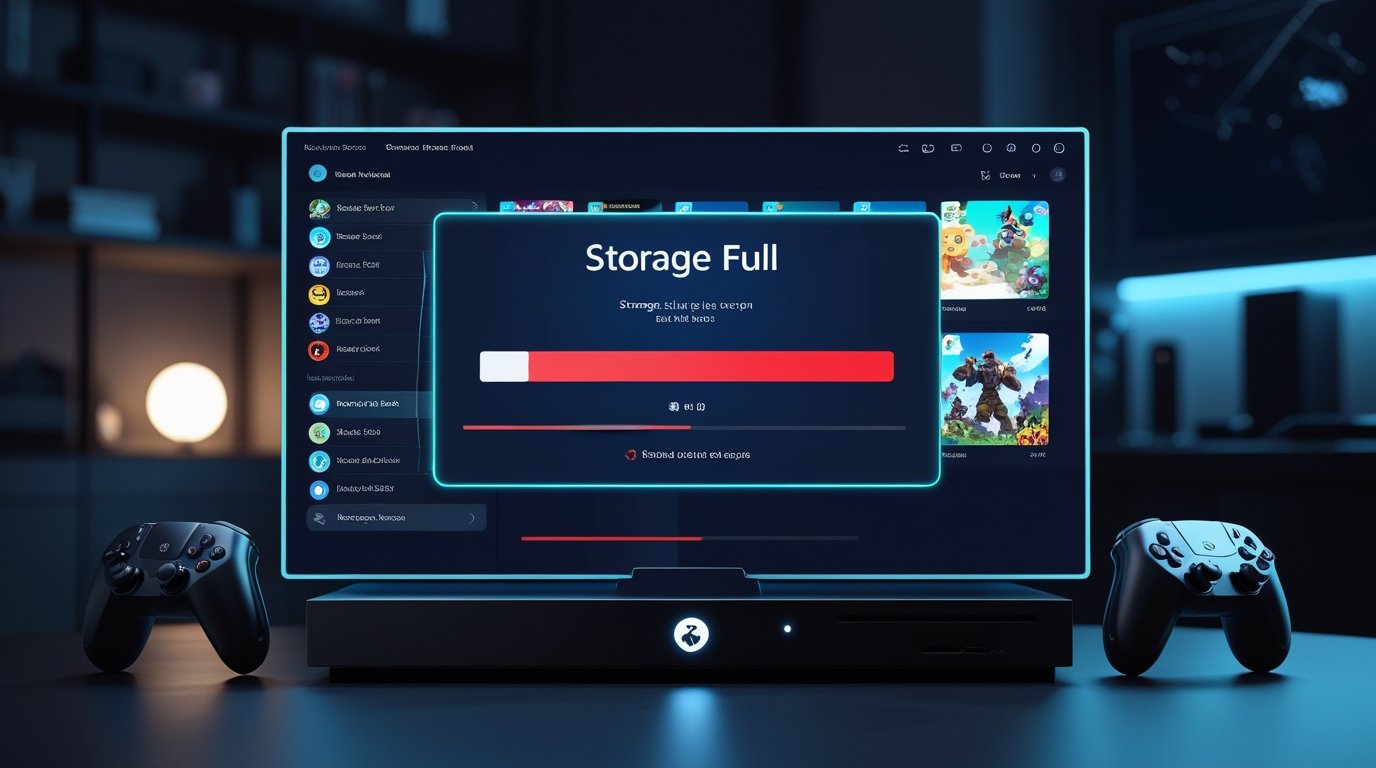
Console storage space problems have become one of the most common frustrations for gamers in recent years. Whether you are using a PlayStation, Xbox, or another modern gaming console, running out of storage seems to happen faster than ever. You delete one game, install another, and still see the warning message saying there is not enough space.
This issue is especially noticeable in newer consoles, where games are larger, updates are frequent, and downloadable content keeps piling up. Many players do not realize how quickly storage fills or what is actually taking up the most space. In this article, we will break down why console storage space problems happen and what you can realistically do to fix them.
Why Console Storage Fills Up So Fast
Modern console games are much bigger than they were a few years ago. A single AAA game can easily take 80 GB to 150 GB of storage. On top of that, updates, patches, and seasonal content continue to add more data over time.
Even if your console advertises large internal storage, the usable space is always less. System files, operating system updates, and reserved cache already consume a chunk of the drive before you install your first game. This makes storage space problems feel sudden and unavoidable.
Game Updates and Patches Are a Major Cause
One hidden reason for console storage space problems is game updates. Many consoles temporarily require extra space to download and install updates. This means a game update might need double the free space during installation, even if the final update is smaller.
Live service games are especially storage-hungry. Seasonal events, new maps, skins, and performance patches all stack up silently. Over time, these updates can take more space than the base game itself.
Screenshots, Clips, and Saved Data Add Up
Another overlooked issue is media storage. Consoles automatically save screenshots and gameplay clips, often in high resolution. While one clip may seem small, hundreds of them can quietly consume several gigabytes.
Saved game data, cloud sync files, and profile backups also contribute to storage usage. Individually they are small, but together they add pressure on limited space.
Digital Games vs Physical Discs
Many gamers assume physical discs save storage, but that is no longer true. Even disc-based games install most of their data onto the internal drive. The disc mainly acts as a license check.
Digital games are convenient, but they rely entirely on internal storage. If your library is mostly digital, storage space problems are almost guaranteed unless you manage your installs carefully.
Simple Ways to Free Up Console Storage
The easiest solution is removing games you no longer play. Many players keep finished games installed “just in case,” but uninstalling them can instantly free large amounts of space.
Deleting old screenshots and video clips also helps more than expected. Reviewing your media gallery and clearing unused captures can recover several gigabytes quickly.
Some consoles allow you to move games instead of deleting them. This is useful if you want to keep games without reinstalling later.
External Storage as a Long-Term Solution
External storage has become a popular fix for console storage space problems. External drives allow you to store additional games, move rarely played titles, and reduce pressure on the internal drive.
However, not all games run the same way from external storage. Some newer console titles require internal storage to launch, meaning external drives are best used for storage rather than active gameplay.
Managing Storage Smarter in 2026
In 2026, smarter storage management is becoming essential for console gaming. Regularly checking storage settings, deleting unused data, and staying aware of update sizes can prevent sudden storage warnings.
Installing only the game modes you actually play also helps. Some games allow partial installs, such as removing campaign or multiplayer modes separately.
Pros and Cons of Modern Console Storage
Pros:
Modern consoles offer faster loading speeds, high-quality textures, and seamless updates that improve gameplay quality.
Cons:
Limited internal storage, large game sizes, frequent updates, and constant space management can frustrate players.
Common Questions About Console Storage Space
Why does my console say storage is full even after deleting a game?
Temporary update files, cached data, or reserved space may still be using storage.
Do game updates really take that much space?
Yes, especially during installation when extra space is required temporarily.
Is external storage worth it?
Yes, for storing games and reducing internal storage pressure, especially for large libraries.
Can I lose game progress if I uninstall a game?
No, saved data is usually stored separately and remains safe.
Console storage space problems are not a hardware failure or user mistake. They are a natural result of modern gaming, larger game sizes, and constant updates. While storage limitations can feel annoying, understanding what uses space and managing it wisely makes a big difference.
With a few smart habits and regular cleanups, you can spend less time deleting files and more time actually playing your favorite games.