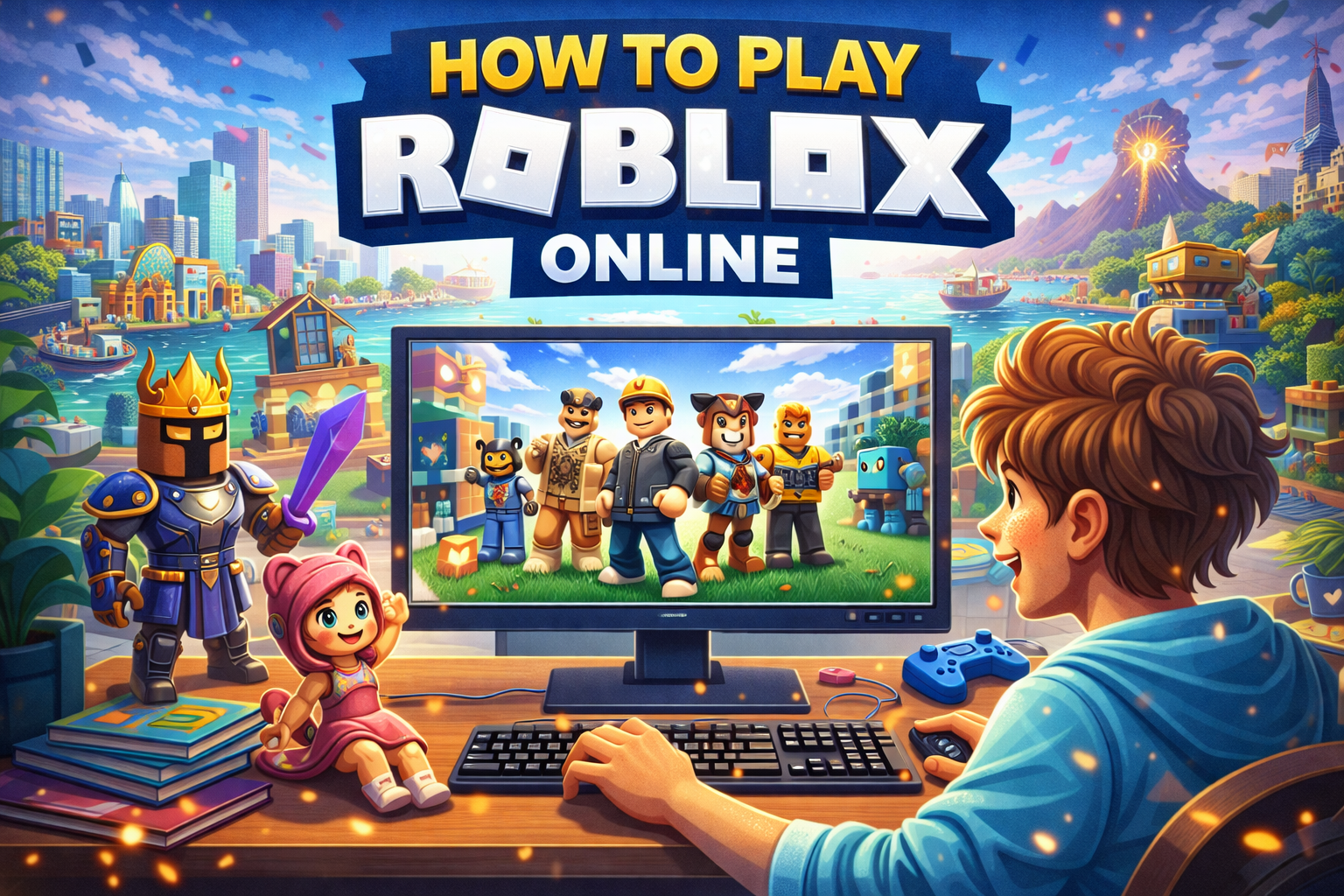
Roblox is the ultimate free online gaming platform with over 70 million daily users creating and playing billions of experiences—from obbies and simulators to roleplay worlds. In 2026, playing Roblox “online” means accessing it via browser on PC/Mac for browsing and launching the lightweight client, or apps on mobile. No full browser-only gameplay exists officially—you’ll need the Roblox Player app for games—but cloud options like now.gg let you skip downloads entirely. Perfect for US players on school Chromebooks, low-spec PCs, or quick sessions. This step-by-step guide covers setup, tips, fixes, and top starters. Let’s get you in-game! ⚡✅
Step 1: Create a Free Roblox Account (2 Minutes)
No credit card needed—safe for all ages (13+ recommended).
- Visit Roblox.com: Open Chrome, Edge, or Firefox and go to roblox.com.
- Sign Up: Click “Sign Up” > Enter birthday (must be 13+ for full access) > Username, password, gender.
- Verify Email: Check inbox for confirmation link.
- Enable 2-Step Verification: Settings > Account Info > Add phone/app for security.
Pro Tip: Use a strong password—millions play daily, so accounts get targeted.
Step 2: Play Roblox on PC/Mac (Official Browser + Client)
Browser handles the site; free 200MB client runs games smoothly.
Quick Setup (5 Minutes)
- Log In: At roblox.com, enter credentials.
- Search & Play: Type “Fish It!” or “Brookhaven RP” > Click green “Play” button.
- Download Client: First time? Auto-downloads RobloxPlayer.exe (Windows) or .dmg (Mac)—install & launch.
- Join Game: Client opens—WASD to move, chat with friends.
Supported Browsers (Update to latest):
- ✅ Google Chrome (best for speed)
- ✅ Microsoft Edge
- ✅ Mozilla Firefox
System Requirements (Runs on most 2026 PCs):
| Min Specs | Recommended |
|---|---|
| OS: Windows 10/11 64-bit | Windows 11 |
| CPU: 1.6GHz+ (post-2005) | Modern Intel/AMD |
| RAM: 1GB | 4GB+ |
| GPU: DirectX 10+ | DirectX 11+ |
| Storage: 20MB | SSD |
Step 3: Play on Mobile (Android/iOS App)
No browser play—app only for touch controls.
- Download: Google Play/App Store > Search “Roblox” > Install (free, 200MB+).
- Log In: Use same account.
- Play: Tap games—optimized for phones.
Troubleshoot Download:
- Android: Enable “Unknown Sources” if sideload.
- iOS: Update iOS 13+.
Step 4: Play Without Downloading (Cloud Gaming Option)
Ideal for Chromebooks, shared PCs, or low storage.
- now.gg: Free cloud Roblox—now.gg/roblox.
- Visit site > Log in Roblox account.
- Pick game > Instant play (browser-based streaming).
- Limits: Ads/free tier; premium for no lag.
Pros/Cons Cloud vs Official:
| Method | Pros ✅ | Cons ⚠️ |
|---|---|---|
| Official Client | Full features, low lag | 200MB download |
| Cloud (now.gg) | No install, works anywhere | Input lag, data use |
Top 5 Starter Games for New Players
Jump in with these US hits:
- Fish It!: Relaxing fishing sim.
- Brookhaven RP: Chill roleplay.
- Blox Fruits: Anime action.
- Adopt Me!: Pet trading.
- Doors: Horror thrills.
Controls Basics:
- WASD/Mouse: Move/Look
- Space: Jump
- Chat: /e wave
Common Roblox Online Errors & Fixes ⚠️✅
From support & forums—95% solved here.
| Error | Cause | Fix |
|---|---|---|
| ID 10/Connection Failed | Firewall/Ports | Open UDP 49152-65535; disable VPN. |
| Website Won’t Load | Cache/Addons | Clear cache/cookies; disable extensions (Chrome: chrome://extensions/). |
| Client Won’t Launch | Outdated | Reinstall from roblox.com; reboot PC. |
| Lag in Game | Browser | Switch to Edge; wired internet. |
| Mobile Crash | Storage | Free 1GB; update app. |
Cache Clear Steps (Chrome Example): Settings > Privacy > Clear browsing data (All time, Cached + Cookies).
Browser vs. Client vs. Mobile: Comparison Table
| Platform | Load Time | Controls | Best For |
|---|---|---|---|
| Browser Site | Instant | N/A (browse only) | Account setup ⭐ |
| PC Client | 10s | Keyboard/Mouse | Full PC play |
| Mobile App | Instant | Touch | On-the-go |
| Cloud | 20s | Browser | No-download |
2026 Roblox Trends for US Online Players
- Cloud Boom: now.gg for school/work PCs.
- Cross-Play: Seamless PC-Mobile.
- Robux Economy: Earn via Premium.
- Safety: Parental controls standard.
Ready to play? Head to roblox.com now—drop your first game in comments! Happy building