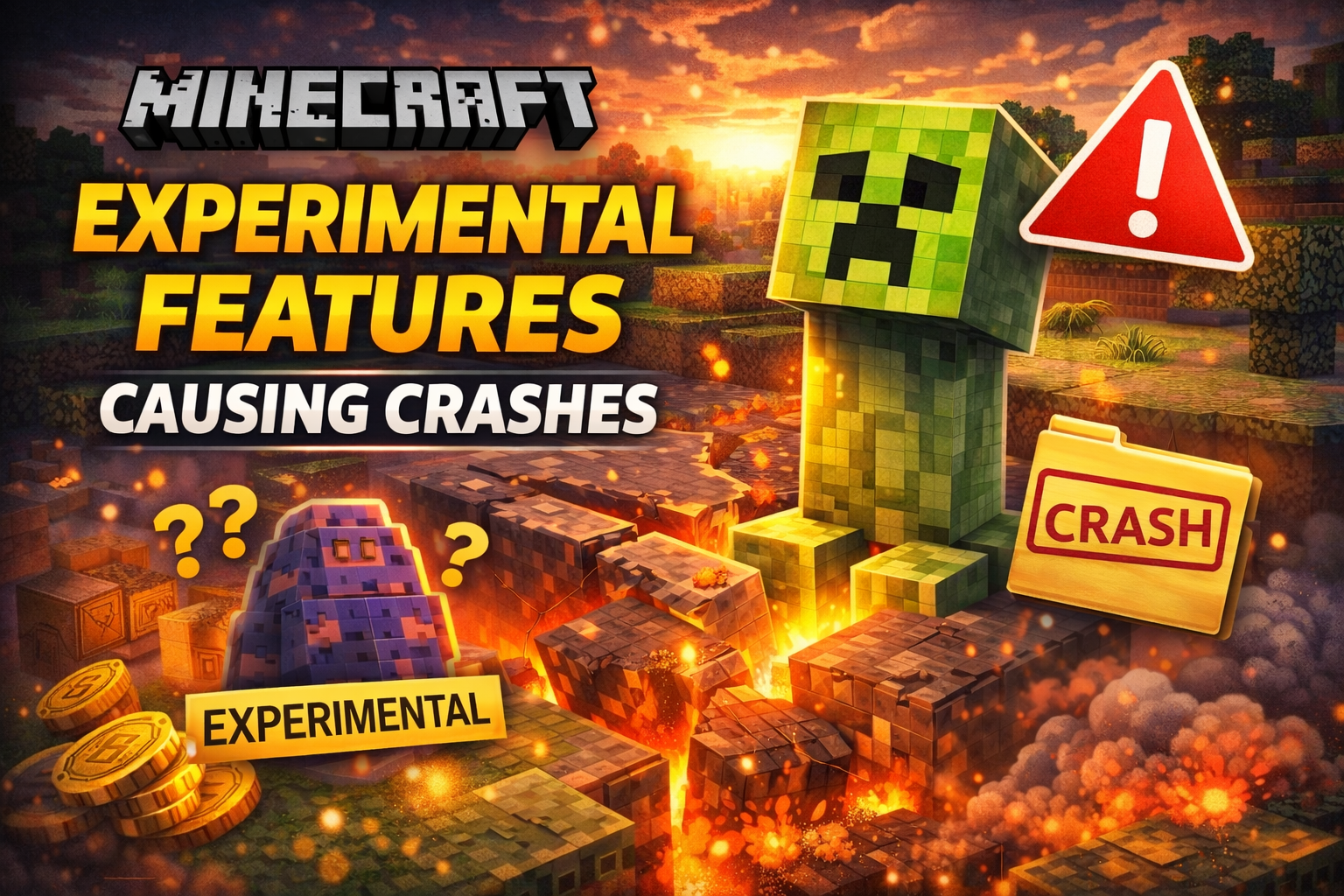
Minecraft is known for constantly evolving through updates, snapshots, and experimental features. These experimental features allow players to test upcoming mechanics, blocks, mobs, and gameplay systems before they are officially released. While exciting, they often come with one major downside — game crashes.
If enabling experimental features has caused Minecraft to crash on your PC, console, or mobile device, you’re not alone. In this guide, we’ll explain why experimental features cause crashes, how to fix the issue step by step, and how to avoid crashes in the future.
What Are Experimental Features in Minecraft?
Experimental features are unfinished gameplay elements added by Mojang for testing purposes. These features are usually:
- Still under development
- Not fully optimized
- Prone to bugs and instability
They can include new biomes, blocks, redstone mechanics, mobs, or world-generation changes.
⚠️ Important: Mojang clearly states that experimental features may break worlds or cause crashes — especially when combined with mods or older devices.
Why Experimental Features Cause Minecraft Crashes
Several technical reasons can lead to crashes when experimental features are enabled:
1. Unstable Game Code
Experimental features are not final versions. Bugs, memory leaks, and logic errors can cause sudden game crashes.
2. World Generation Conflicts
New experimental world-generation rules may conflict with existing chunks, leading to corrupted worlds or infinite loading screens.
3. Device Performance Limits
Low-RAM devices, older consoles, or weak GPUs may struggle to handle unfinished features.
4. Mod & Add-on Conflicts
Mods, shaders, and texture packs often aren’t compatible with experimental features.
5. Version Mismatch
Loading an experimental world in a different Minecraft version can instantly crash the game.
Common Crash Symptoms Players Experience
- Game crashes during world loading
- Black screen followed by app closure
- Minecraft stuck on “Generating World”
- Frequent lag spikes before crashing
- World becomes unplayable or corrupted
How to Fix Minecraft Crashes Caused by Experimental Features
✅ 1. Disable Experimental Features
If possible, turn off experimental features before loading the world:
- Edit the world
- Disable all experimental toggles
- Restart Minecraft
⚠️ Some worlds cannot remove experimental features once enabled.
✅ 2. Create a Backup Before Testing
Always create a copy of your world before enabling experiments:
- World Settings → Copy World
- Test experimental features on the copied world only
✅ 3. Remove Mods and Add-ons
Temporarily disable:
- Behavior packs
- Resource packs
- Shaders
Then restart Minecraft and test again.
✅ 4. Update Minecraft to the Latest Version
Crashes are often fixed in newer updates. Ensure your game is fully updated on:
- Windows
- Xbox
- PlayStation
- Android / iOS
✅ 5. Allocate More RAM (Java Edition)
For Java players:
- Open Minecraft Launcher
- Edit Installation → More Options
- Increase RAM (e.g., 4GB–6GB)
✅ 6. Lower Graphics Settings
Reduce strain on your system:
- Render Distance: 8–12 chunks
- Turn off fancy graphics
- Disable smooth lighting
How to Prevent Crashes in the Future
✔ Use experimental features only in test worlds
✔ Avoid using mods with experimental toggles
✔ Keep backups before every major update
✔ Don’t load experimental worlds in older versions
✔ Use stable releases for long-term survival worlds
Are Experimental Features Worth Using?
✅ Pros
- Early access to upcoming features
- Fun for testing and content creation
- Useful for map makers and developers
❌ Cons
- High crash risk
- World corruption
- Poor performance on low-end devices
If you value world stability, avoid using experimental features in main worlds.
Also Read: How AI NPCs Are Changing the Gameplay Experience in 2026
Final Thoughts
Minecraft experimental features are exciting but risky. Crashes happen because these features are unfinished and not optimized for all systems. By understanding the causes and following the fixes above, you can enjoy testing new content without losing your worlds.
🎮 Pro tip: Treat experimental features like a beta test — fun to try, but never trust with your main world.